RealityBridge
Creating XR content requires manual 3D modeling, importing, and scene placement — a slow pipeline disconnected from the physical objects designers actually want to reference.
Built a physical copy-paste interface: point a camera at a real object, press Copy, and AI recognition instantly spawns a digital 3D representation in your XR environment.
Working research prototype demonstrating real-time physical-to-digital object transfer — combining edge AI vision, custom hardware controller, and Unity XR environment into a seamless interaction.
Overview
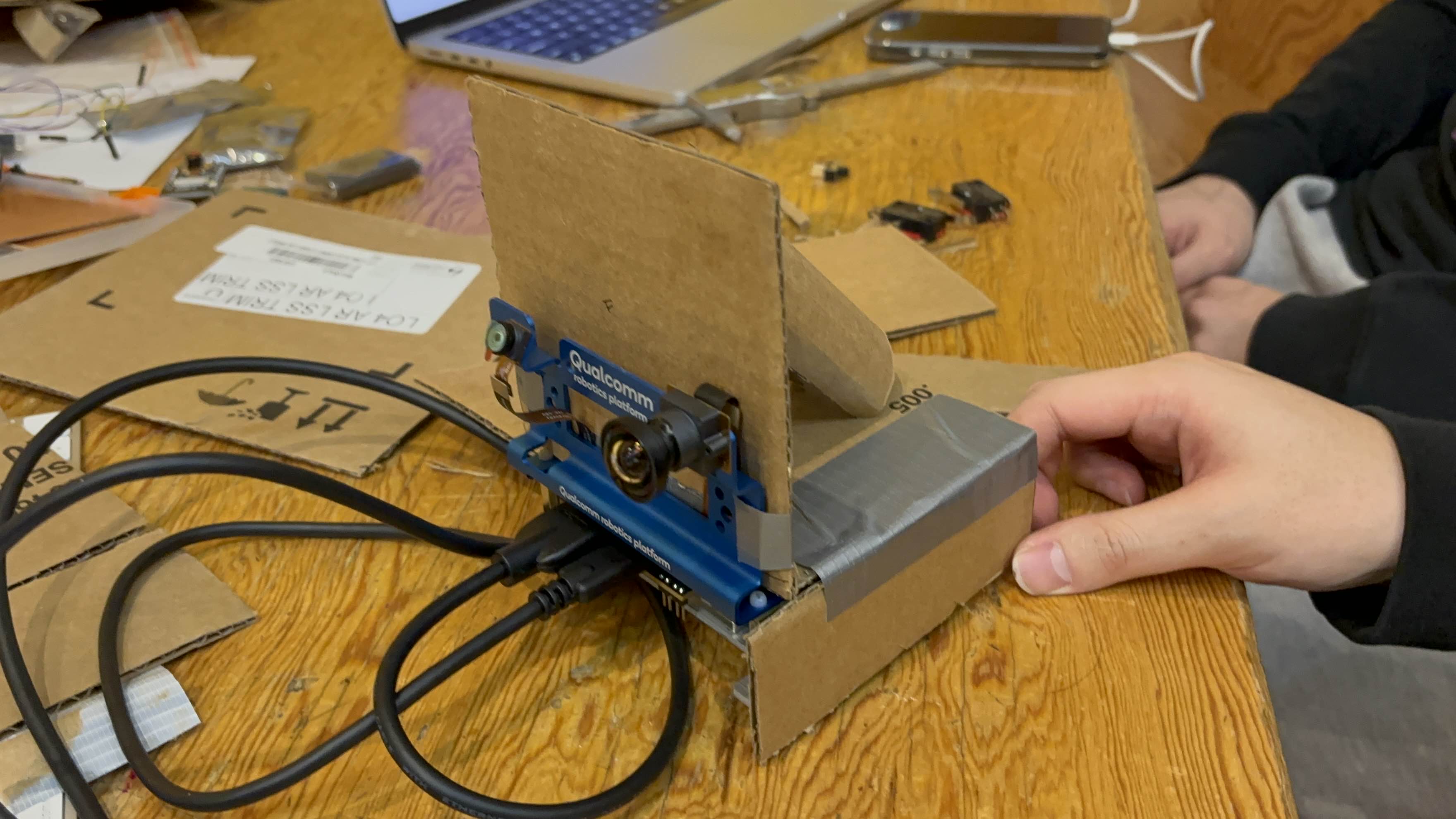
RealityBridge asks a simple question: what if reality itself was your XR authoring tool? Instead of modeling 3D assets from scratch, you point a camera at a real cup, book, or apple, press a button, and it appears in your virtual world. The system combines edge AI object detection on a Qualcomm RB3, physical copy/paste triggers via ESP32, Redis-based messaging, and Unity XR rendering into a single tangible interaction flow.
Concept
Traditional XR creation follows a linear pipeline: 3D model → import → scene placement. RealityBridge inverts this by making physical objects the input device. Reality becomes a copyable asset — any object in your environment can be digitized and placed in XR space with a single button press. This shifts XR authoring from a screen-based workflow to a tangible, spatial interaction.
System Architecture
The pipeline flows: Camera → Qualcomm RB3 (edge AI inference, object detection) → ESP32 (physical input control for copy/paste triggers) → JSON data packaging → Redis Server (pub/sub messaging) → Unity XR Application (3D model lookup and spawn). The hardware device handles perception and input, while the software layer manages data routing and virtual world rendering.
Key Highlights
Tangible XR Interface
physical objects become the input device, replacing controllers and gestures with real-world interaction
Edge AI + XR Pipeline
real-time object detection on device feeds directly into virtual world generation
Reality as Authoring Tool
inverts the traditional XR content pipeline by making the physical environment the source material
Interaction Flow
Object Capture
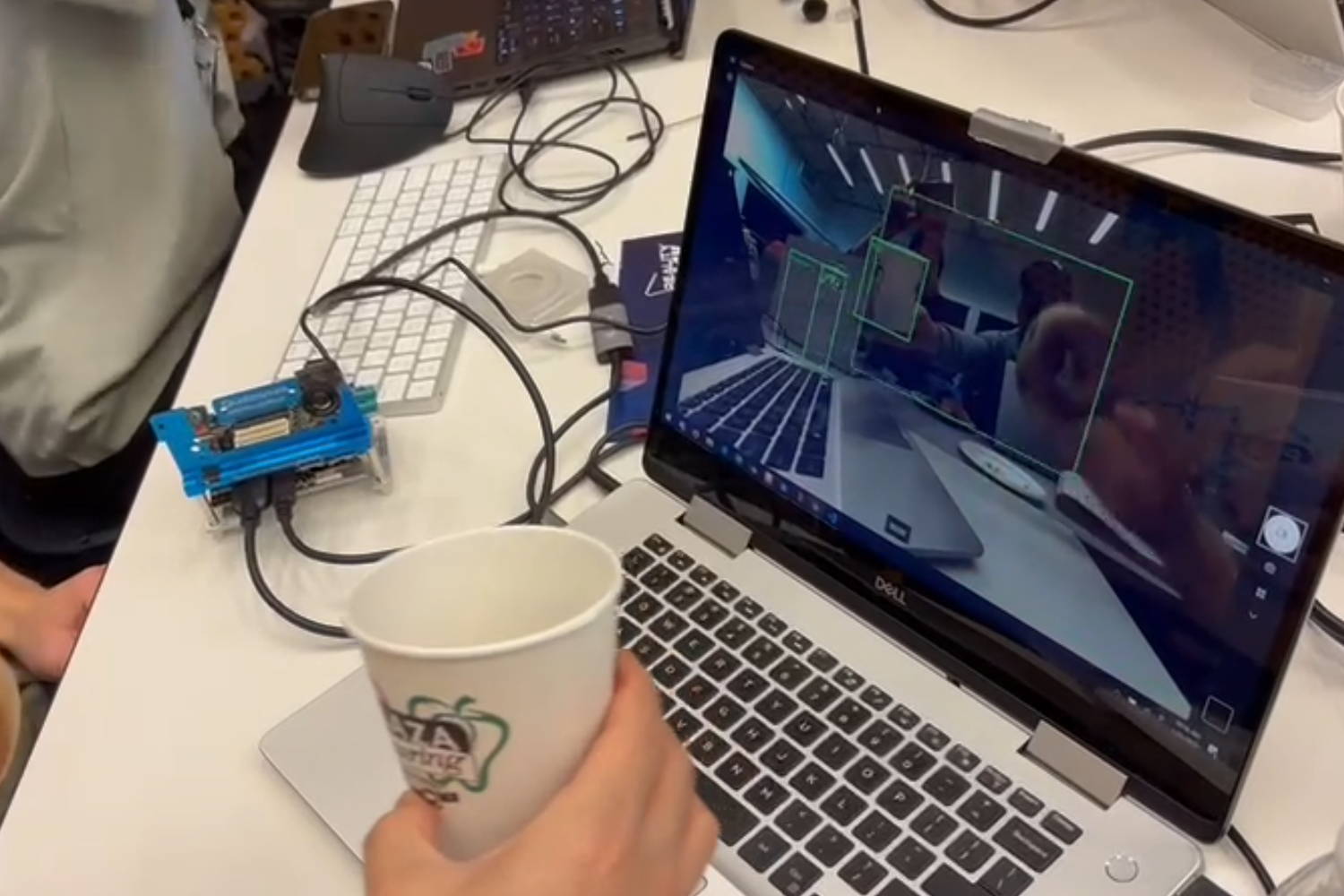
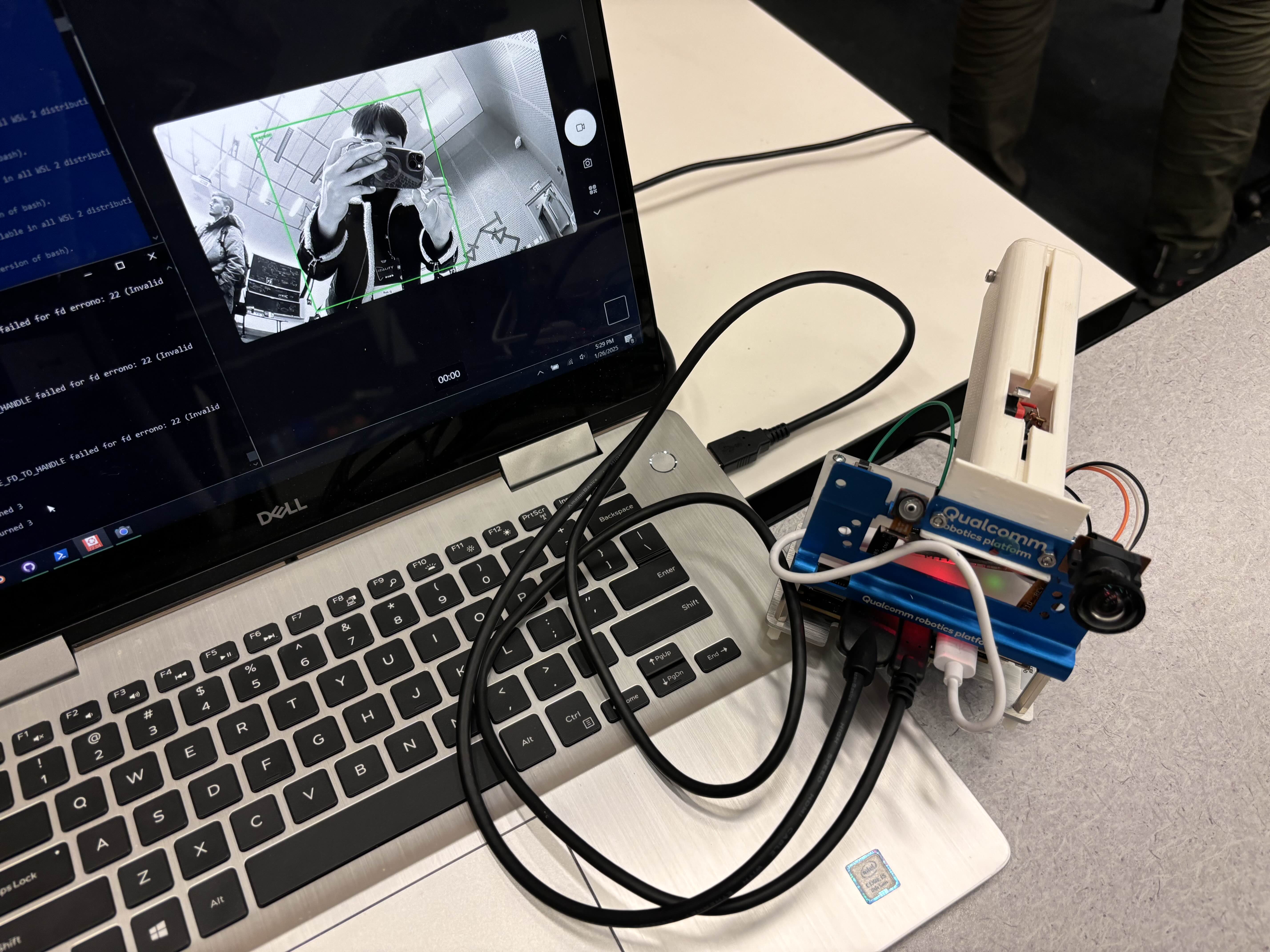
The user holds a physical object in front of the device's AI camera. The onboard vision model (YOLO/MobileNet on Qualcomm RB3) runs real-time object detection, identifying the object class, bounding box, and confidence score. The system recognizes common objects like cups, apples, books, and more.
Copy Trigger
When the user presses the physical Copy button on the custom controller, the current detection is locked in. The system captures the object label, bounding box coordinates, confidence score, and timestamp — freezing the recognition result at the moment of intent.
Data Transmission
The captured object data is packaged as a JSON payload (object class, confidence, timestamp) and transmitted from the Qualcomm RB3 through a Redis pub/sub server. This decoupled messaging architecture allows the detection device and XR environment to operate independently, enabling real-time data flow with minimal latency.
Virtual Paste
The Unity XR application subscribes to the Redis channel and receives the object data. A label-to-3D-model mapping system (backed by Sketchfab assets) resolves the object class to a corresponding 3D model. On receiving a Paste command, the model is instantiated in the XR scene at the user's target position — completing the real-to-virtual copy-paste cycle.
Gallery
Technical Details
Key Learnings
Tangible XR interfaces create a more intuitive interaction model than gesture or controller-based input for spatial content authoring
Edge AI inference on embedded platforms (Qualcomm RB3) enables real-time detection without cloud dependency — critical for responsive interaction
Decoupled architecture via Redis messaging allows independent iteration on hardware and XR components without tight coupling
Physical-to-digital interaction opens new design space for XR authoring tools beyond traditional screen-based workflows
Use Cases
XR Content Creation
Place real objects directly into XR scenes — a cup becomes a virtual cup, a book becomes a virtual book — without 3D modeling.
Rapid Prototyping
Quickly populate XR environments with physical object references for spatial layout and scene composition.
Education
Bridge physical learning materials with digital simulations — students scan real objects to interact with them in virtual labs.
Mixed Reality Storytelling
Use everyday objects as assets for interactive XR narratives, turning the real world into a content library.